Vaults withdrawals are now enabledwithdraw now


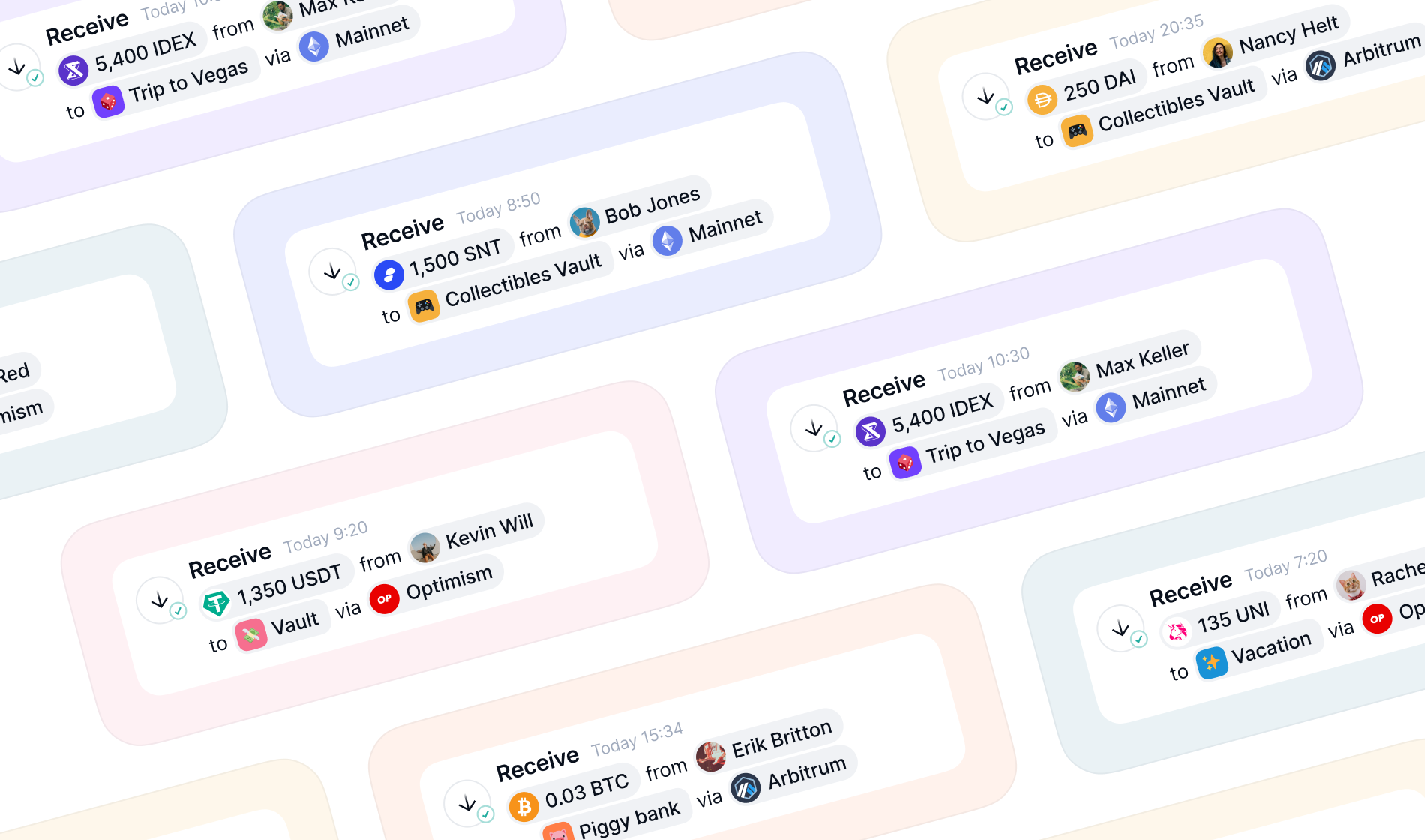
To receive crypto, you need to share your Ethereum address with the sender. As long as you only share your public address (which starts with 0x and is 42 characters long), it's perfectly safe.
You should never share your 12-word recovery phrase with anyone. Anyone who has your recovery phrase can manage your crypto. If someone's asking for your recovery phrase to send you crypto, they're trying to scam you.
- 1From the tab bar, tapWallet.
- 2Select the Wallet account you want to receive crypto and tapReceive.
- 3Choose either your legacy or multi-chain address. For your multi-chain address, tapEditto choose which chains you want your multi-chain address to feature.
- 4To copy your address, tapCopy. You can also ask the sender to scan the QR code of your address.
- 5Share your address with the person you want to receive crypto from.
To understand how multi-chain addresses work, check out Share your multi-chain and legacy addresses.
If someone sent you crypto and you can't see it in your Status Wallet, here's what you can do:
- Ask the sender to share a block explorer link for this transaction with you. Using the link, make sure they sent your crypto to the right address.
- If the transaction shows up as processing or pending on the block explorer or your WalletActivitytab, simply wait until it's completed. This can take longer than usual when the network's busy.
- Close and re-open your Status Wallet app.
- Check your internet connection. If you're using a VPN, try turning it off and on again.
Updated byJonathan Rainvilleon Jun 30, 2026
J
Was this article helpful?
Every feedback takes us closer to helping you!